




What is an AI Website Chatbot?
An AI website chatbot is a smart assistant that lives on your site, answers visitor questions in plain language, and turns those conversations into leads and bookings. Unlike an old-style scripted bot, it is trained on your own content, so it speaks about your business accurately rather than giving generic replies. Our chatbot service, powered by Leadier Chat, adds one to any website in under five minutes with a single line of code, no plugins and no development work on your side.
It answers questions around the clock, captures contact details in the flow of conversation, hands off to your team when a human is needed, and greets every visitor in their own language. There is a free plan to start, and it works with WordPress, Shopify, Wix, Webflow and any custom HTML site.
One Script Tag, Instant AI Chat
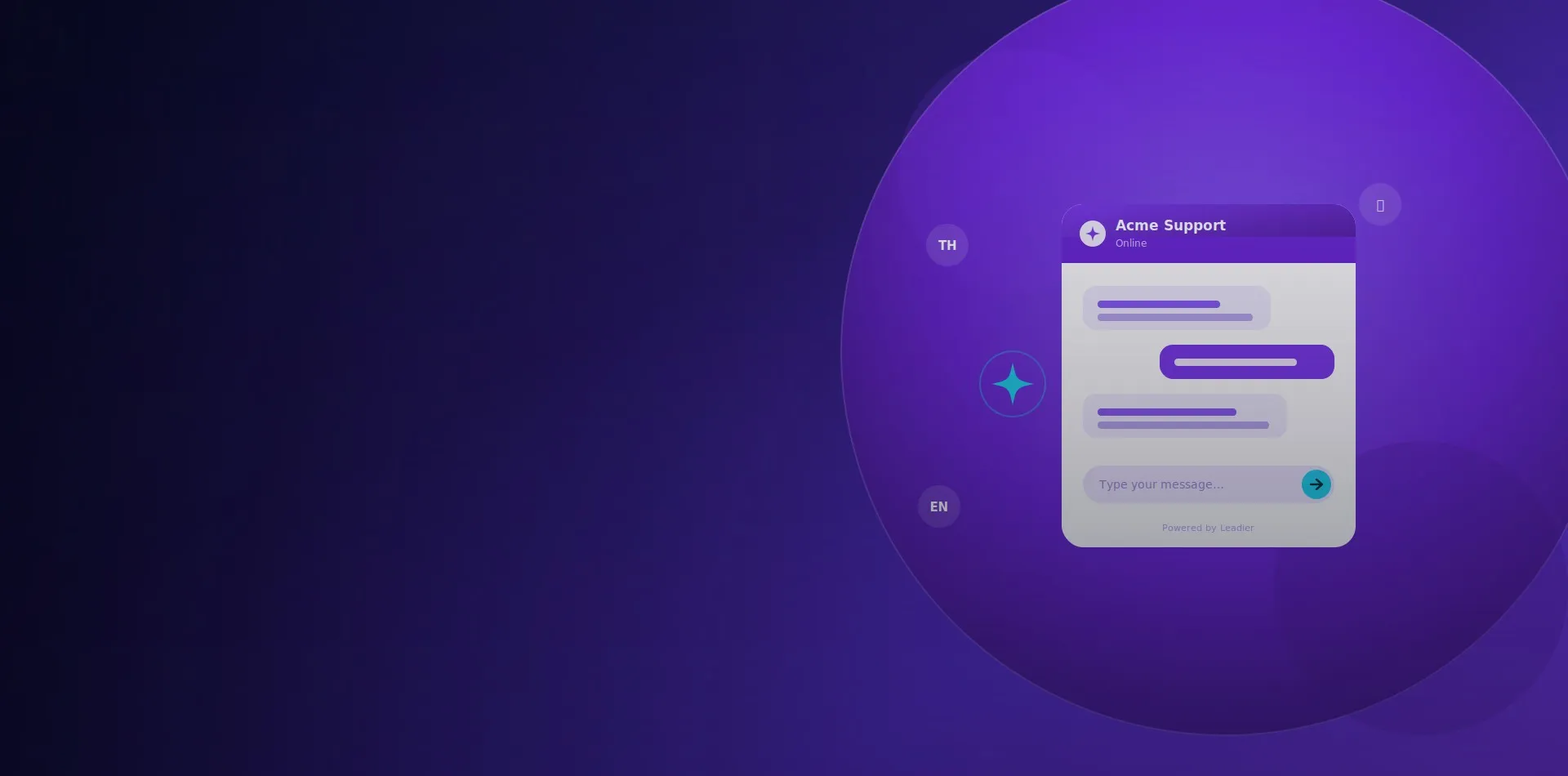
Adding the chatbot is as simple as pasting one script tag into your site. That single line loads a fully customisable chat widget that matches your brand colours, logo and welcome message. The widget runs in an isolated shadow DOM, so it never clashes with your existing styles or scripts, and it looks and feels like a native part of your website.
Trained on Your Business
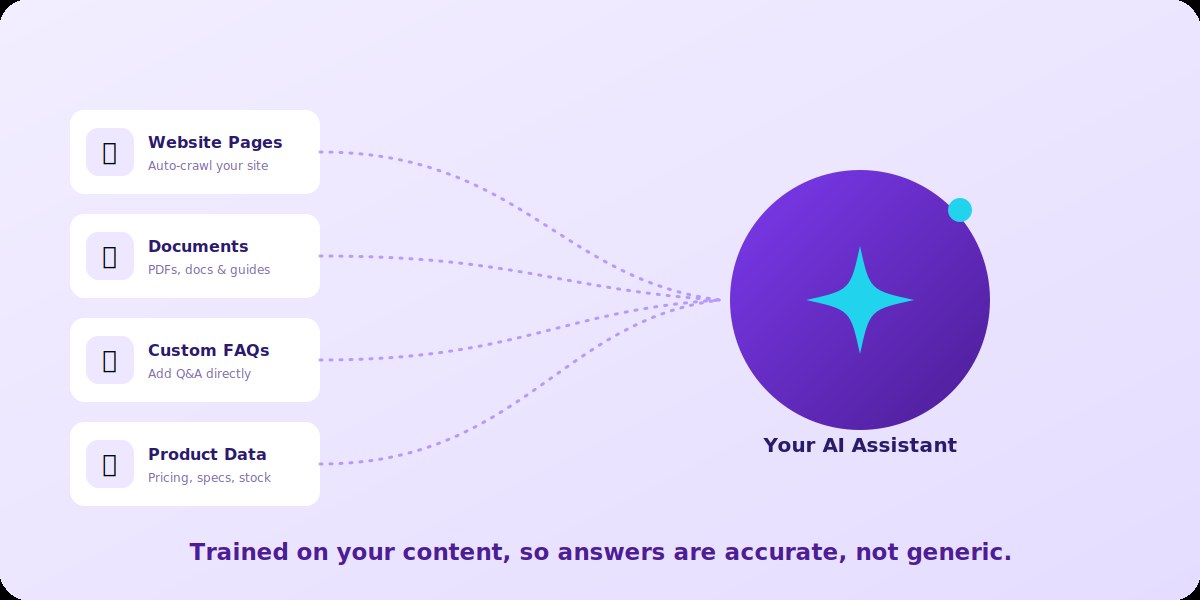
The assistant only becomes useful when it knows your business, so it learns from the sources you already have. Point it at your website and it will crawl and index your pages automatically. Upload PDFs, guides and product documents, add custom question and answer pairs directly, and connect live data feeds through an API. A scheduled re-index keeps everything current, so answers stay accurate as your content changes.
Capture Leads Mid-Conversation
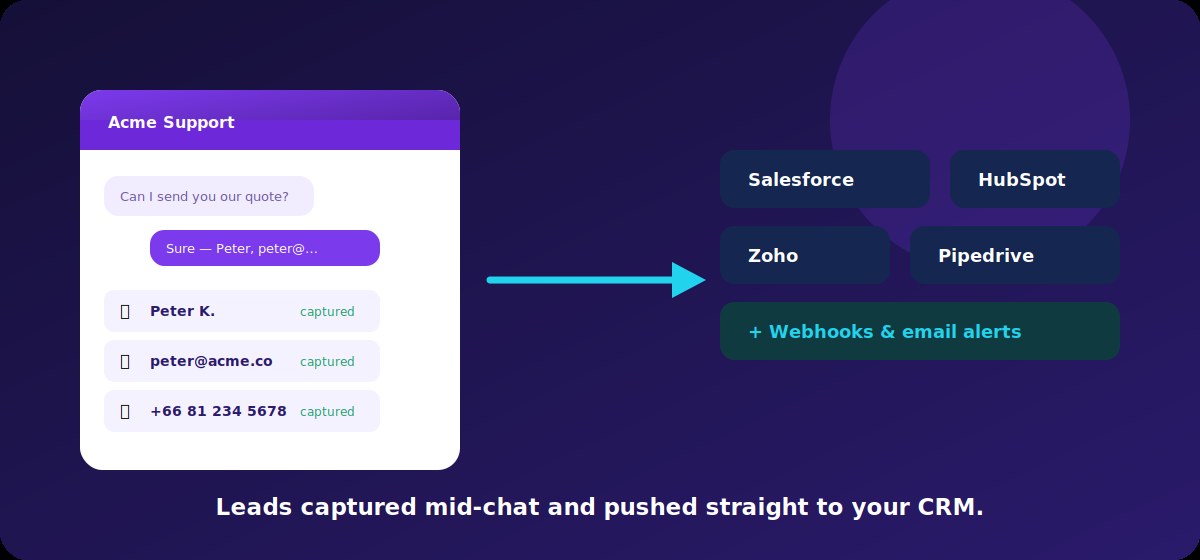
Every conversation is a chance to win a customer. Instead of clunky popups and forms, the AI asks for a name, email or phone number naturally, once a visitor shows real interest. As soon as a detail is shared it is captured and, if you like, dispatched automatically to your CRM.
Leads flow straight into Salesforce, HubSpot, Zoho or Pipedrive, or to any system you connect through a webhook, with an email notification so your team can follow up fast while interest is still hot.
Security Checks Before Every Response
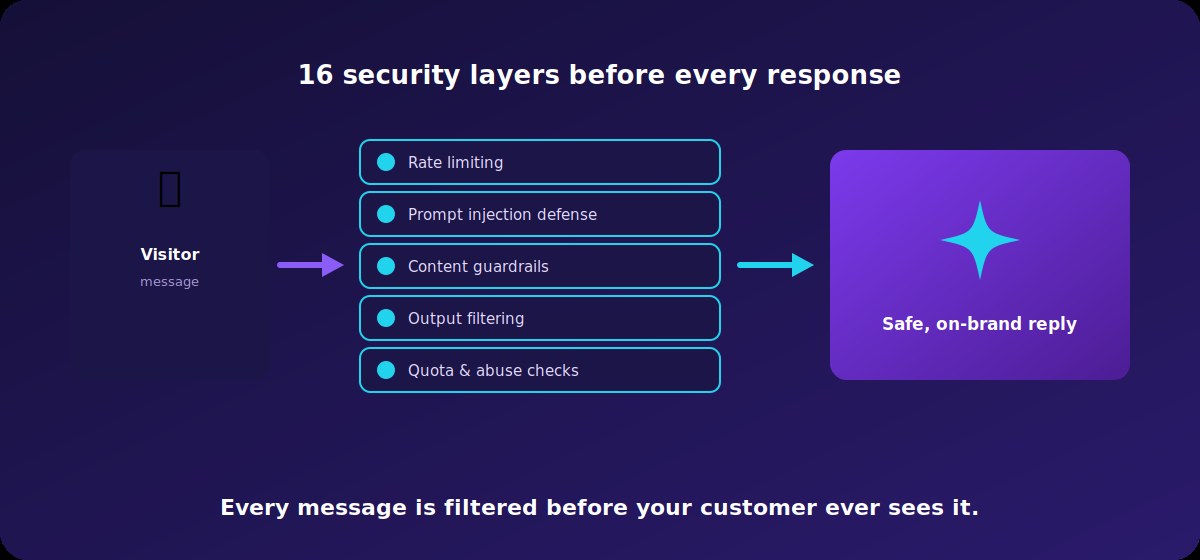
Putting an AI on your website should not put your brand at risk. Every message passes through a stack of security layers before a reply is ever shown, including rate limiting, prompt injection defence, content guardrails and output filtering. Attempts to manipulate the bot or pull it off-topic are blocked, so what reaches your visitor is safe, relevant and on-brand.
AI Handles Volume, Humans Handle Nuance
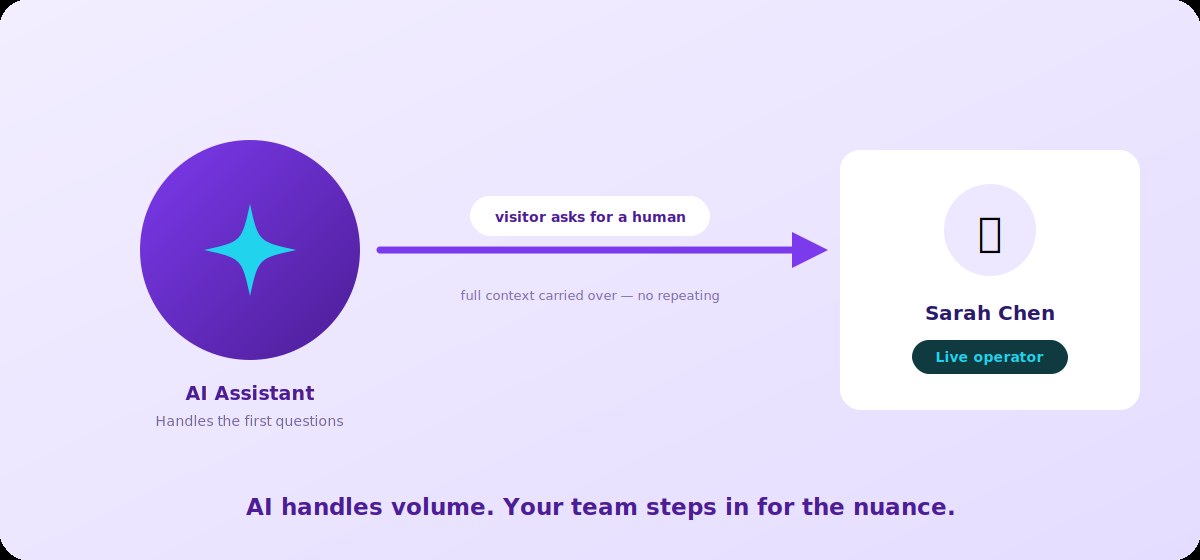
The AI takes care of the repetitive questions that flood most inboxes, freeing your team for the conversations that really need a person. When a visitor asks for a human, or when the situation calls for it, an operator jumps in from their dashboard with their own name and avatar. Because the full conversation history carries over, the visitor never has to repeat themselves.
Right Mode, Right Time, Automatically
Set your weekly business hours once and the chatbot manages itself. It switches automatically between AI, live human and offline modes based on the time of day, so visitors always get the right kind of response. Holiday overrides take priority for dates like Songkran, Christmas or any custom day you set, and if no operator is online the AI quietly takes over so no question goes unanswered.
Greet Every Visitor in Their Language
For a business serving Thai and international customers alike, language matters. The chatbot detects a visitor's browser locale and greets them in Thai, English, Chinese, Japanese, Korean or any language you configure, then continues the conversation in the language they use. You can set a different welcome message per language, so every visitor feels spoken to from the very first line.
Book Meetings Without Leaving the Chat
When a visitor is ready to talk, they can book a meeting right inside the chat widget, without being bounced to a separate scheduling page. The booking syncs instantly with Google Calendar, Outlook and Apple Calendar, the meeting lands in your operator's calendar, and the visitor receives a confirmation with all the details. Fewer steps means more booked calls.
Why Choose Marketing Bangkok for Your AI Chatbot
- Live in minutes: one script tag, no plugins, no rebuild of your site.
- Trained on you: answers come from your pages, documents, FAQs and products.
- Built to convert: natural lead capture with direct sync to your CRM.
- Safe by design: layered security filters every reply before a visitor sees it.
- Local and multilingual: a Bangkok-based team and a bot that speaks Thai, English and more.
- Start free: a free plan to prove the value before you scale up.
Try Leadier Chat Free
See it in action. There is a free plan with no credit card, so you can spin up an AI chatbot and start a conversation in minutes.
Our clients
Trusted by leading brands
From multinational brands and international organisations to fast-growing Thai businesses.






































Want to learn more about this service?
Tell us about your project and receive a no-obligation consultation.
AI Chatbot FAQ
How long does it take to add the chatbot to my website?
Most sites are live in under five minutes. You paste a single script tag, and the widget appears with no plugins to install or code to write.
Will it give accurate answers about my business?
Yes. The AI is trained on your own website pages, documents, FAQs and product data, so it answers from your real content rather than guessing.
Can a real person take over a conversation?
At any time. When a visitor asks for a human, an operator steps in from the dashboard with the full conversation history, so nothing is lost and the visitor never repeats themselves.
Which CRMs and calendars does it work with?
Leads can sync to Salesforce, HubSpot, Zoho, Pipedrive or any system via webhook, and in-chat bookings sync with Google Calendar, Outlook and Apple Calendar.
Does it support Thai and other languages?
Yes. It detects the visitor's language and greets and replies in Thai, English, Chinese, Japanese, Korean and more, with a custom welcome message per language.
Is there a free option?
There is a free plan with no credit card required, so you can try it on your site before upgrading for higher limits.
Latest articles on this topic
All blog posts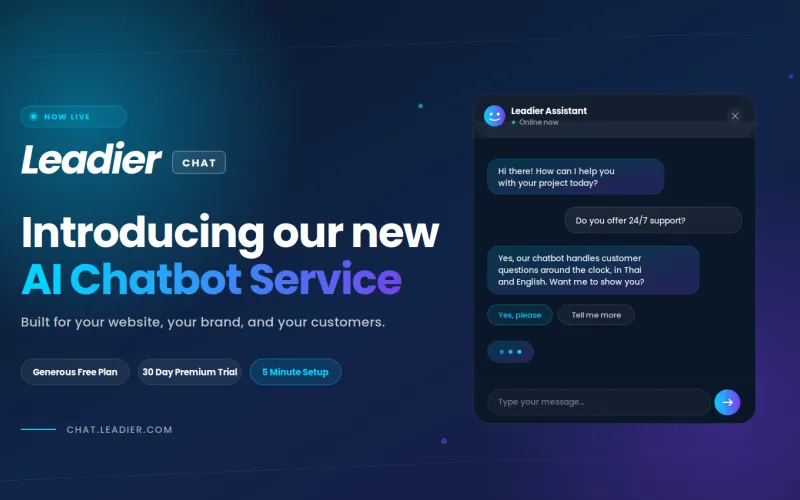
Introducing Our New AI Chatbot Service: Leadier Chat
We're excited to announce the launch of Leadier Chat, our new AI chatbot for websites. After months of development and testing, we've built a chatbot…
Introducing AI Integration For Our Website Projects
Artificial Intelligence is all the hype these days, but it is quickly becoming an irreplaceable tool in many people's workflows, including our own…