

What is AI Image Generation?
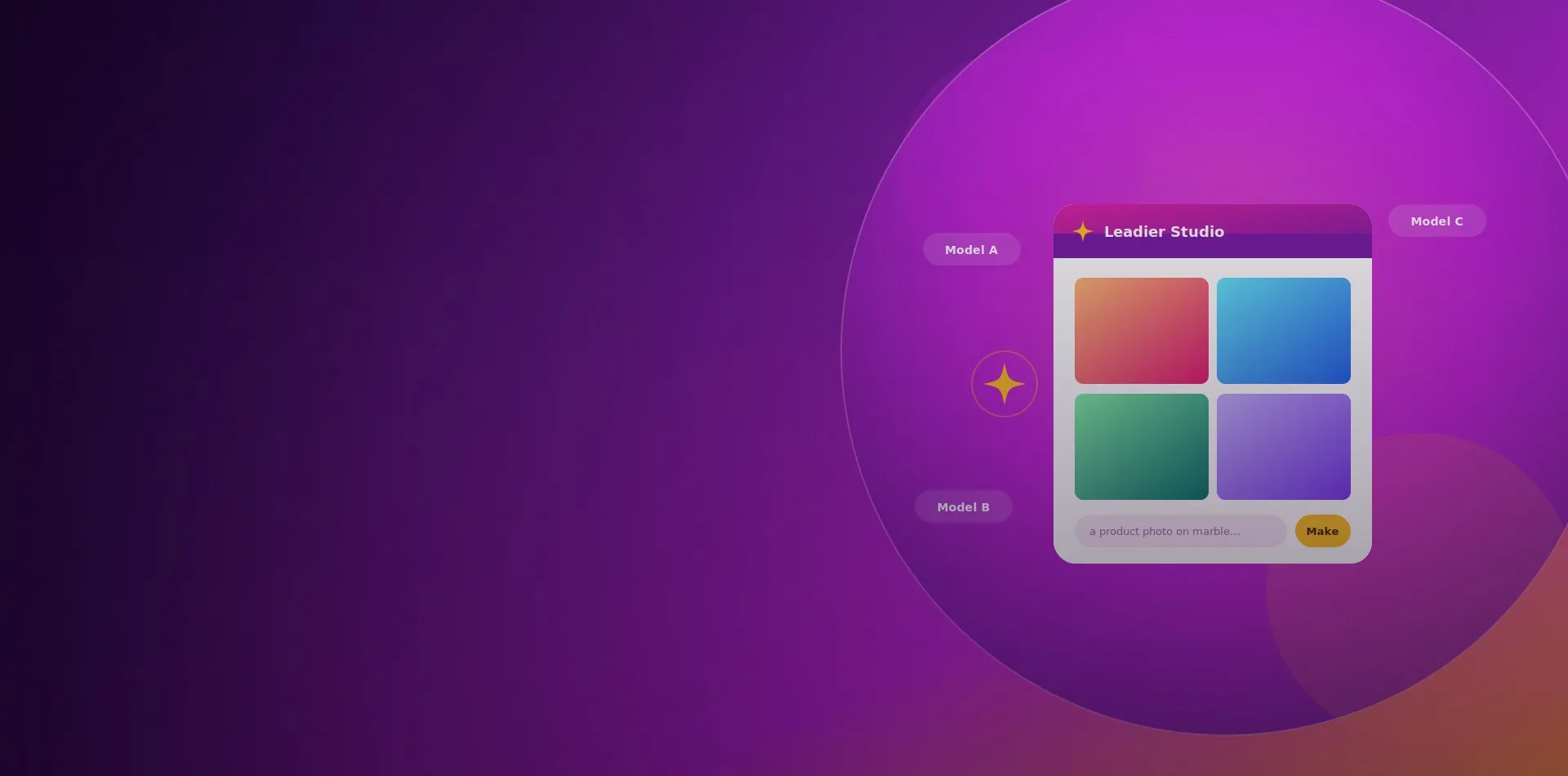
AI image generation turns a written description into a finished visual in seconds. Type what you want, whether that is a product photo on marble, a hero banner for a campaign, or a social post illustration, and the AI creates it for you, with no camera, no stock library and no design software required. Our creative service, powered by Leadier Studio, wraps this into an easy online studio where anyone on your team can generate, edit and enhance images.
Every tool is free to try with no account, and signing in unlocks a saved library and project organisation. The whole studio is localised for Thailand, so you can work comfortably in Thai or English.
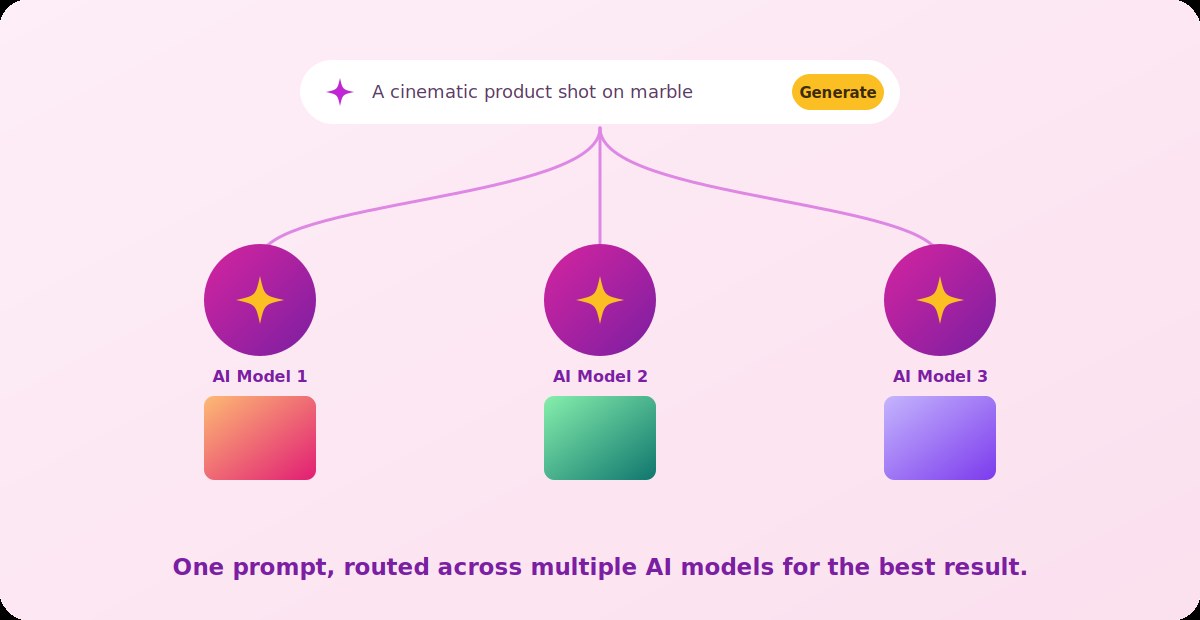
One Prompt, Multiple AI Models
Different image models are good at different things. Rather than locking you into a single engine, Leadier Studio is multi-model: your prompt can be routed across several leading AI models through one unified pipeline, so you get the strongest result for the job instead of settling for whatever one model happens to produce. As new and better models arrive, they slot into the same studio, so your team keeps improving without changing how they work.
Five Creative Tools in One Studio
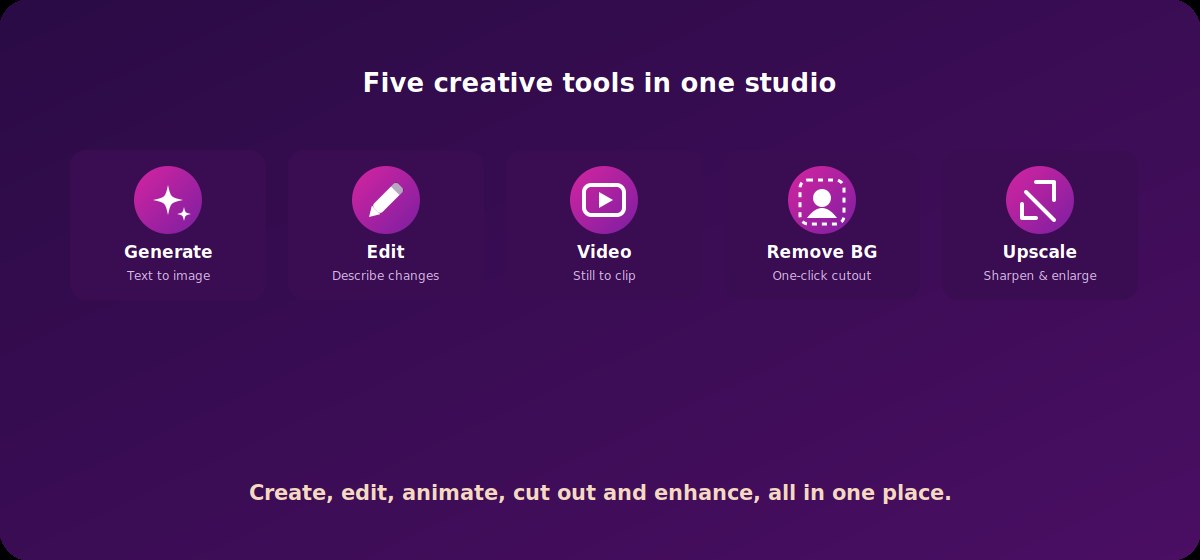
Studio is more than a generator. It brings the everyday visual jobs a marketing team needs into a single place, so you are not hopping between five different apps.
- AI Image Generator: create brand-new images from a text prompt or a reference.
- AI Edit Image: upload a picture, describe the change, and let the AI make it.
- AI Video: turn a still image or a prompt into a short video clip.
- Remove Background: strip the background from any image in one click.
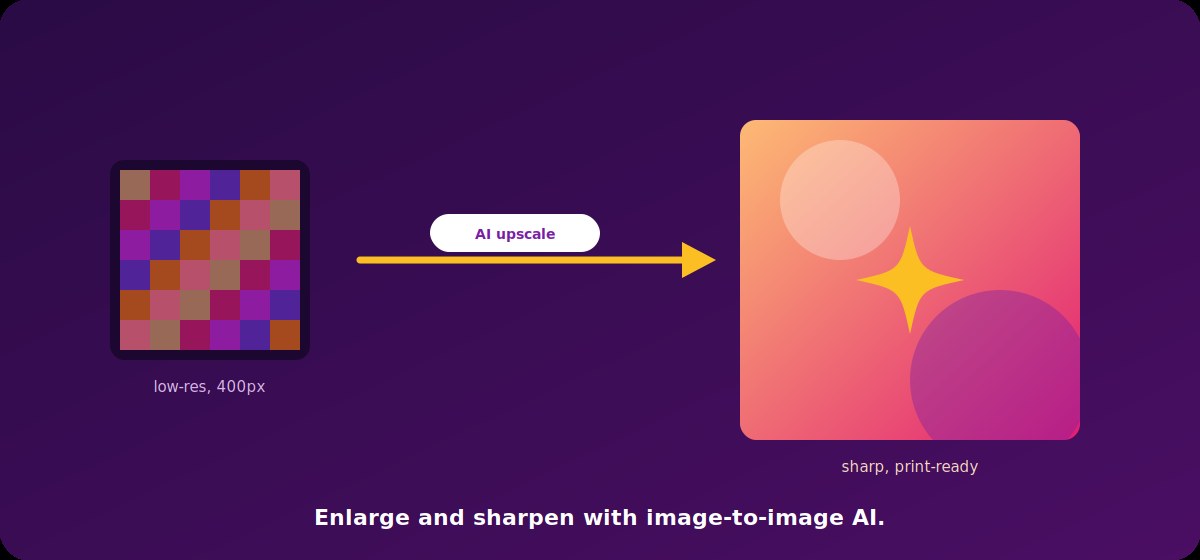
- AI Upscale: sharpen and enlarge an image with image-to-image AI.
Generate Images From a Simple Prompt
Describe the image you have in mind and the studio produces it, ready to download. Start from scratch with words alone, or upload a reference image to guide the style, composition or subject. It is ideal for product mockups, campaign visuals, blog and social imagery, and quick concepts you would otherwise wait days for a designer to deliver.
Edit Any Image by Describing the Change
You do not need to know a design tool to edit like a pro. Upload an existing image, describe what you want changed in plain language, and the AI does the work, whether that is swapping a background, changing a colour, removing an unwanted object or restyling the whole shot. It is the fastest way to adapt one asset into many.
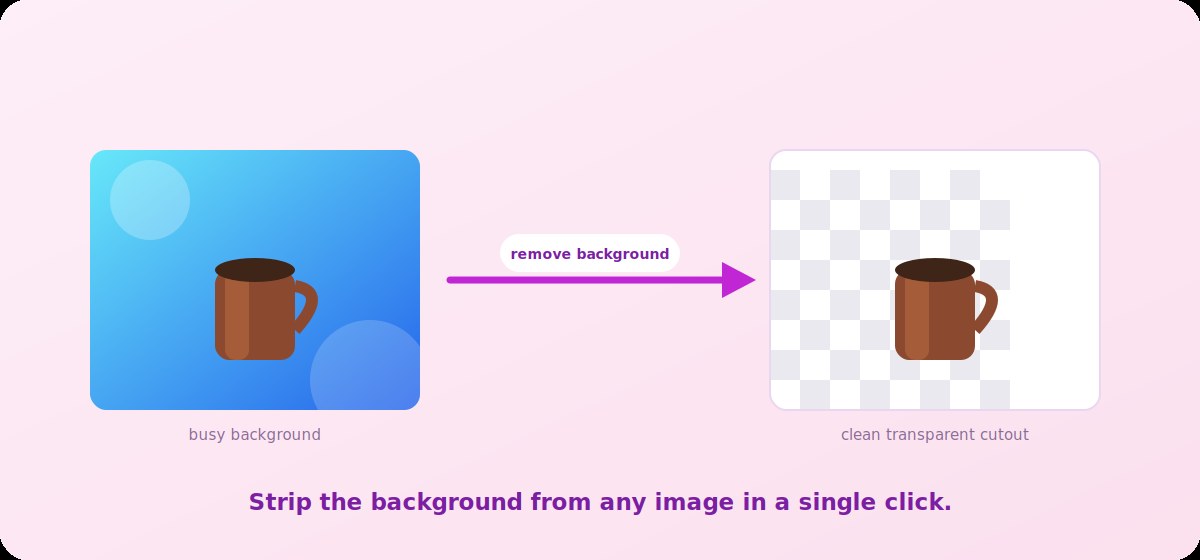
Remove Backgrounds in One Click
Clean cutouts are essential for product shots, catalogues and composites. Upload any image and the background is removed automatically, leaving a crisp subject on a transparent canvas that drops neatly onto any colour, banner or layout. What used to take careful manual masking now takes a single click.
Upscale and Sharpen Any Image
Small, soft or low-resolution images become crisp and print-ready. The AI upscaler enlarges an image while adding detail rather than just stretching pixels, so old logos, thumbnails and web-sized photos can be reused at billboard, banner or catalogue scale without looking blurry.
Turn Stills Into Short Video
Movement grabs attention on social feeds. With AI Video you can bring a still image or a prompt to life as a short clip, adding gentle motion to a product shot or generating a quick animated moment for an ad, a story or a landing page, all from the same studio you use for images.
Create in Thai, Not Just English
Built for the Thai market, Studio lets your team write prompts in Thai. Your Thai description is translated and processed behind the scenes, so you get the same quality of result without switching to English first. The entire interface is localised too, making it comfortable for local teams and clients to work in the language they think in.
Organised Projects and a Reusable Library
Sign in and everything you make is saved to your own library, so nothing is lost after you close the tab. Group your work into projects by client, campaign or event, come back to refine an image later, and reuse or restyle past outputs instead of starting over. Higher usage limits unlock as you scale, so the studio grows with your workload.
Why Choose Marketing Bangkok for AI Imagery
- Multi-model quality: your prompt draws on several leading AI models, not just one.
- A full toolkit: generate, edit, animate, cut out and upscale in one place.
- No design skills needed: describe what you want in plain language and get it.
- Local and bilingual: prompt in Thai or English with a fully localised studio.
- Free to start: try every tool before you commit, with projects on sign-in.
Try Leadier Studio Free
See it for yourself. Every tool is free to try with no account, so you can generate your first image in seconds.
Our clients
Trusted by leading brands
From multinational brands and international organisations to fast-growing Thai businesses.



















Want to learn more about this service?
Tell us about your project and receive a no-obligation consultation.
AI Image Generation FAQ
Do I need any design experience to use it?
None at all. You describe the image or the change you want in plain language, and the AI produces it. If you can write a sentence, you can create a visual.
What makes it multi-model?
Instead of relying on a single image engine, your prompt can be routed across multiple leading AI models through one pipeline, so you get the best output for each job and benefit from new models as they are added.
Can I edit images I already have?
Yes. Upload an existing image and describe the change, or use the dedicated tools to remove the background or upscale it to a larger, sharper version.
Can I write prompts in Thai?
Yes. The studio is built for the Thai market, so you can prompt in Thai and work in a fully localised interface.
Is it really free to try?
You can try every tool for free with no account. Signing in saves your work to a library, lets you organise projects and unlocks higher limits.
Latest articles on this topic
All blog posts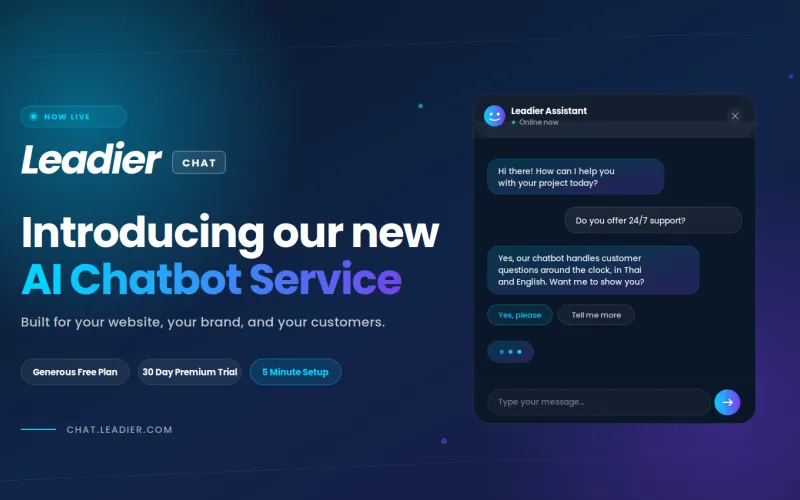
Introducing Our New AI Chatbot Service: Leadier Chat
We're excited to announce the launch of Leadier Chat, our new AI chatbot for websites. After months of development and testing, we've built a chatbot…
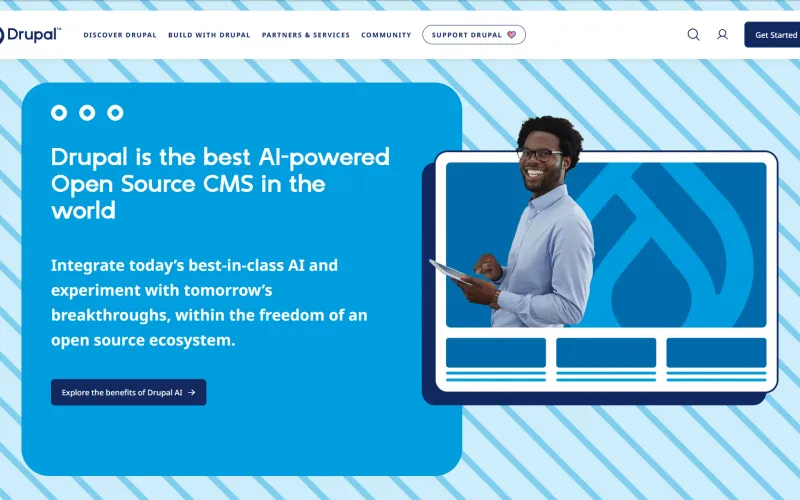
Introducing AI Integration For Our Website Projects
Artificial Intelligence is all the hype these days, but it is quickly becoming an irreplaceable tool in many people's workflows, including our own…